669Q App Download – Install the Android APK Step by Step
Get our Android app on your phone, install it in a few taps and fix common install errors yourself.
Table of Contents
The 669Q app download is a small APK file you get from our site and install on an Android phone. Turn on installs from your browser, open the file, tap Install, then log in. It takes about two minutes on a normal mobile connection.
Quick answer: open 669q.site in Chrome, tap Download App, allow the install, open the file, log in.
669Q – Before you start: what you need
Check these five things first and the install goes smoothly.
- An Android phone with a recent Android version (check the download button for the current minimum).
- Free storage space. Keep a few hundred MB spare to be safe.
- A stable Wi-Fi or mobile data connection.
- You are 18 or older.
- Your account details, or a few minutes to register after installing.
Takeaway: ready phone, spare space, steady internet.
What the 669Q app offers
The app puts the whole platform in one icon on your home screen. You open it, log in and pick what you want to play.
- Sports betting, including cricket with IPL and BPL matches.
- Slot games and other casino-style games.
- The Aviator crash game.
- Your balance in taka (BDT), with local mobile wallets such as bKash and Nagad where the app lists them.
- Offers on the bonuses page, with their terms.
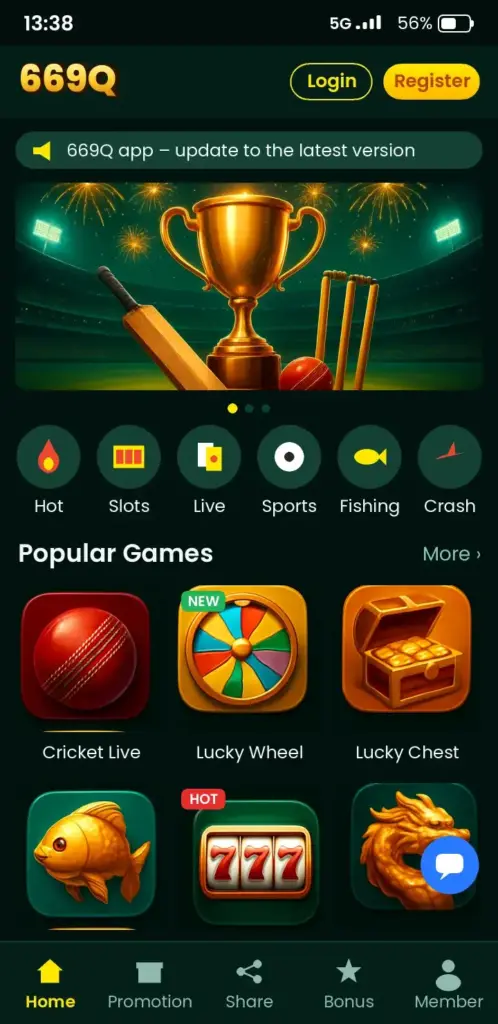
Check the app for the current list of games and payment methods. It can change.
App Download and APK install on Android
Six steps take you from the website to the login screen.
- Open Chrome on your phone and go to our website. Type the address yourself rather than tapping links from messages.
- Tap the Download App button.
- If Chrome warns that this file type can be harmful, tap Download anyway. This is standard for APK files outside Google Play.
- Open the file from the notification bar or the Downloads folder.
- When Android asks, allow Install unknown apps for Chrome, go back and tap Install.
- Tap Open, then log in. New here? Register first.
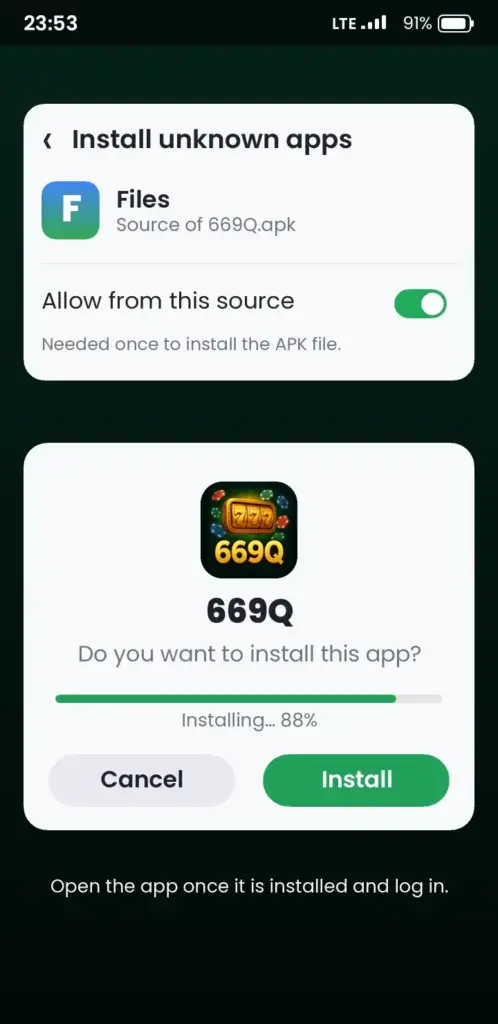
Once installed, you can switch the unknown-source permission off again in Settings.
Your first login
Use the same phone number or username you registered with. Full details are on our login page. Never share your password or OTP with anyone, including people who say they are support.
Update the app to the latest version
Update when the app asks, or download the newest APK again from our site.
- Open the website in your browser and tap Download App.
- Install the file over the old one. Your account and balance stay on your account, not on the phone.
- Open the app and log in again if asked.
Do not uninstall first unless the update fails. Your login details stay with your account, but keep them handy.
Fixes when the install fails
Most install errors come from five causes, and each has a quick fix.
| Problem | Likely cause | Fix |
|---|---|---|
| Install blocked | Unknown sources is off | Settings, Apps, Special access, Install unknown apps, allow Chrome |
| App not installed | Old or damaged file, or low storage | Delete the file, free space, download again |
| Download stops | Weak connection | Switch between Wi-Fi and mobile data, retry |
| Parse error | Incomplete file or old Android | Download again; check your Android version |
| Opens then closes | Outdated app or low memory | Update the app, close other apps, restart the phone |
If nothing works
- Clear Chrome’s cache and try again.
- Restart the phone.
- Contact our support through the website with your phone model and the exact error message.
iPhone and the mobile site
If you use an iPhone, check the website for the current options. We do not promise an iOS app here.
The mobile site runs in your phone browser and needs no download. Add it to your home screen from the browser’s share menu for one-tap access. It is also a good backup when your Android storage is full.
Safe use on your phone
A few habits keep your account and your money safer.
- Download only from our own website, never from files forwarded in chats.
- Keep a screen lock on your phone.
- Set a daily amount in taka before you open the app and stick to it.
- Stop after a set number of rounds, and take a break when play stops being fun.
Mobile wallets like bKash and Nagad have their own apps and PINs. Keep those private too. Confused by a term? See the 669Q FAQ.
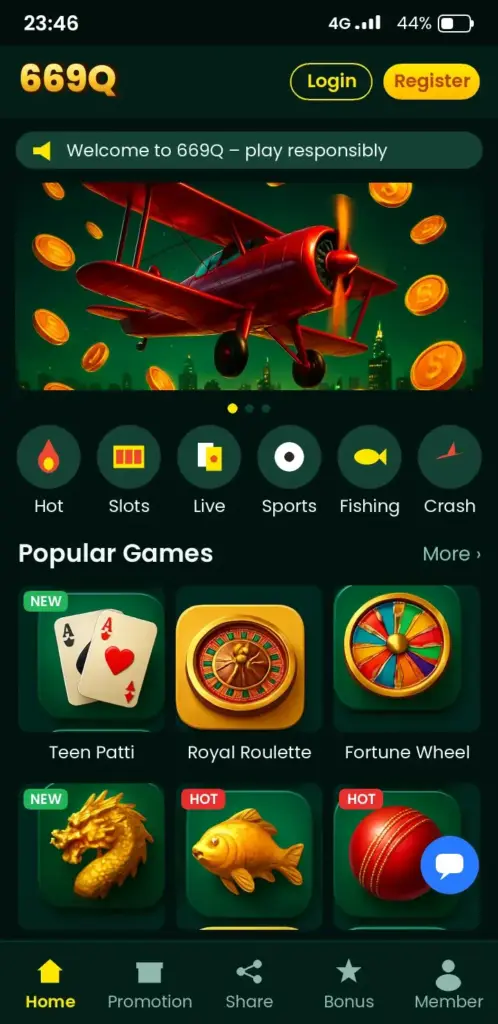
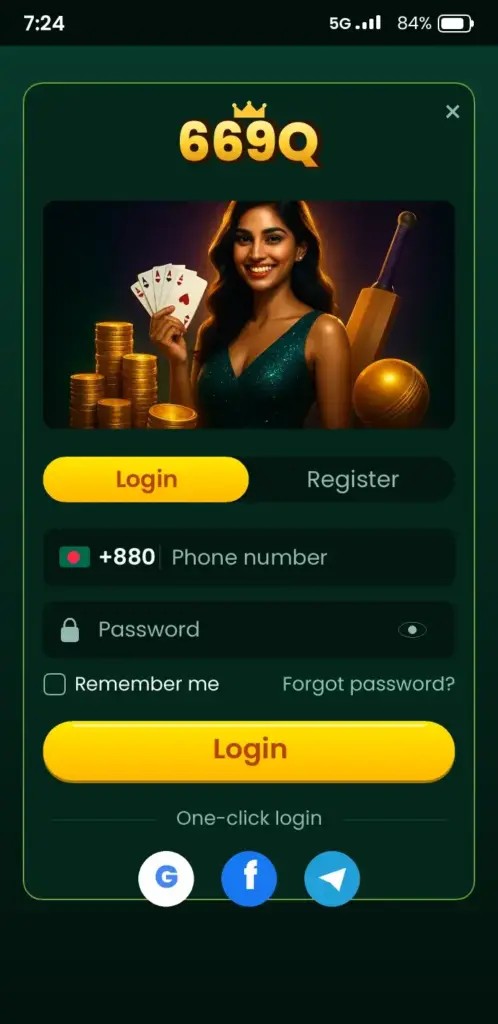
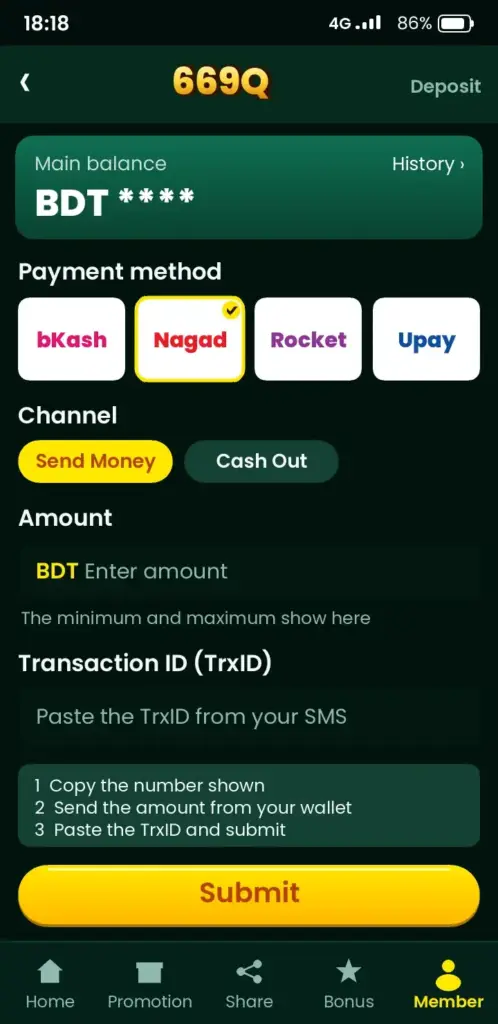
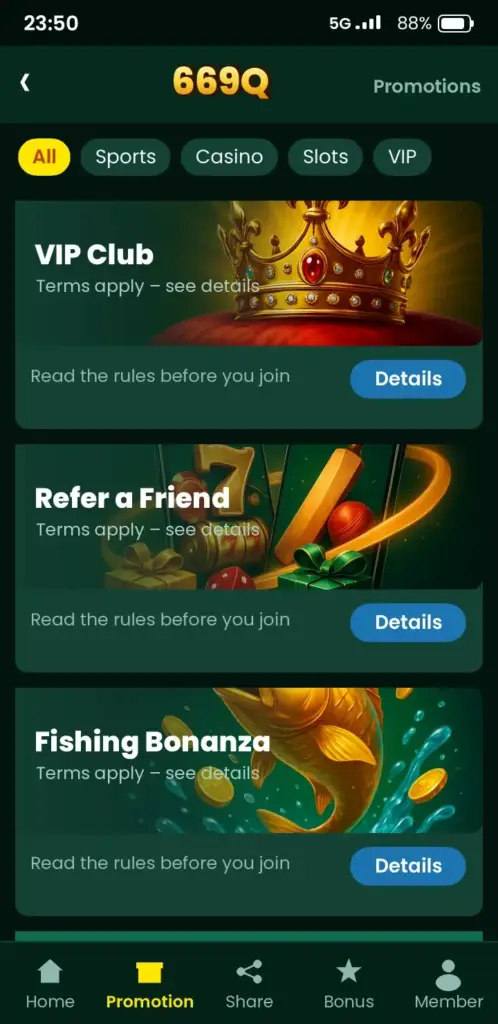
669Q App Screenshots: Game Lobby, Login, Deposit & Bonuses
See how the 669Q app looks on an Android phone before you download it – tap any screen to open the app.
Responsible gaming
This page is for adults aged 18 and over. Play for fun, never with money you need for bills or food. If gambling stops feeling like a choice, free confidential help is available at Gambling Therapy.
Ready? Download the app or register, then log in and start with the smallest stake.
Updated: October 2026
Saving data and storage on a budget phone
Many players in Bangladesh use mobile data packs rather than home broadband, so file size matters. Download the APK over Wi-Fi if you can, or wait for a cheaper night-time data pack. If the transfer drops halfway, delete the partial file and start again instead of trying to open it.
Storage causes more failed installs than most people expect. Free up space before you tap the file, because Android needs room for both the installer and the unpacked app.
- Clear old downloads: remove unused APKs and large videos from the Downloads folder.
- Clear cache: use Settings, then Storage, then Cached data.
- Move photos: back them up to the cloud or an SD card.
- Check the app size: the exact figure is shown on the download page, so compare it with your free space.
Checking the file before you tap Install
A short check takes less than a minute and protects your phone and your account. Only download the APK from the link shown on the platform’s own pages, never from a forwarded message or a random file-sharing link.
- Look at the file name and extension. It should end in .apk, not .zip, .exe or .apk.zip.
- Compare the file size with the size stated on the download page. A much smaller file is a warning sign.
- Read the permissions screen. A betting app has no reason to ask for your contacts or SMS history.
- Run a scan with Google Play Protect if it offers to check the app.
- Turn off the unknown-sources setting again once the install has finished.
If anything looks different from what you expected, stop and delete the file. Reinstalling later costs a few minutes, while a tampered app can cost far more.
Moving to a new phone without losing access
Your account lives on the server, not on the handset, so changing phones does not erase your balance or history. You only need to install the app again and sign in with the same details.
Do a few things before you retire the old device, because some of them are hard to fix afterwards.
- Note your username and make sure you know the password rather than relying on autofill.
- Keep your SIM active, since the OTP is sent to your registered mobile number.
- Log out of the old phone, then clear the app data before selling or handing it over.
- Install fresh on the new phone using the current APK rather than copying an old file across.
If you cannot receive the OTP on the new phone, contact support through the live chat and be ready to confirm your registered details. Do not create a second account, as duplicates can lead to restrictions.
Frequently Asked Questions
How do I download the 669Q app on Android?
Open Chrome, go to our website and tap Download App. Allow the file to download, open it, permit installs from unknown sources when Android asks, then tap Install. Open the app and log in. The whole process takes about two minutes.
Is the 669Q APK safe to install?
Download it only from our own website, because files shared in chats can be altered. Android will show a standard warning for APKs outside Google Play. Keep your password and OTP private, and check the app permissions during install.
Is there a 669Q app for iPhone (iOS)?
Check our website for the current iPhone options, as we make no promise of an iOS app here. You can use the mobile site in Safari instead. Add it to your home screen from the share menu for quick access.
Why does the 669Q app say app not installed?
This points to low storage, a damaged download or an old file. Delete the APK, free some space, download it again and retry. If it still fails, restart the phone and contact support with your phone model.
What are the 669Q app system requirements?
You need an Android phone with a recent Android version, free storage and a stable connection. The exact minimum version and file size can change, so check the download button or the app details on our website before installing.
How do I update the 669Q app?
Update when the app prompts you, or download the latest APK from our website and install it over the old one. Your account and balance stay on your account. Log in again if the app asks.
669Q app download korbo kivabe?
Phone-er Chrome-e amader website open korun, Download App tap korun, file open kore Install-e tap korun. Android unknown sources permission chaile allow korun. Install hole app open kore login korun. Shob kichu 2 minute-er moddhe hoy.
Can I use bKash or Nagad in the 669Q app?
Check the payment section inside the app for the current list of methods. Local mobile wallets such as bKash and Nagad are commonly used in Bangladesh, but only use the options the app shows you. Keep your wallet PIN private.
Why does the 669Q app keep closing after I open it?
An outdated app or low phone memory is the cause in most cases. Update to the latest APK, close other apps, restart the phone and clear space. If it keeps closing, contact support with your phone model and Android version.
Do I need to register before the 669Q app download?
No. You can download and install the app first, then register inside it or on our website. You must be 18 or older. Use your own details and never share your password or OTP with anyone.